Agent Workflow
🎧
Agent Workflow Audio
1. Introduction
The Agent Program allows you to earn revenue by referring new users. This tutorial explains how to find your referral code and track your earnings.
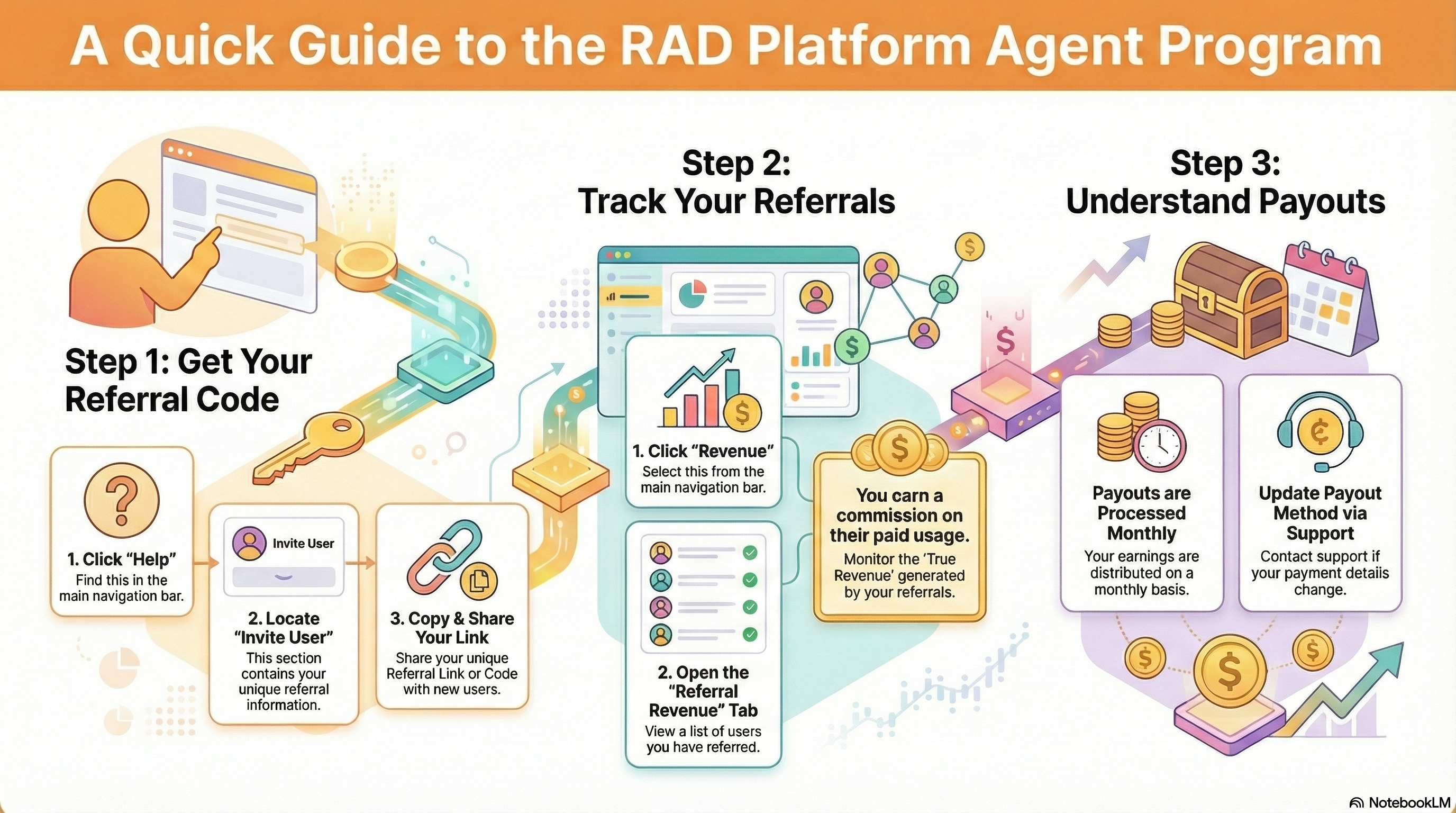
2. Step 1: Get Your Referral Code
- Click Help in the navigation bar.
- Look for the "Invite User" section (visible if referrals are enabled).
- Copy your unique Referral Link or Code.
- Share this code with potential users.
3. Step 2: Track Referrals
- When a user signs up with your code, they are linked to you.
- Click Revenue in the navigation bar.
- Switch to the Referral Revenue tab.
- Referral List: Use the dropdown menu to view and select users you have referred.
- Revenue: See the "True Revenue" generated by their deployments.
- Note: You earn a commission on their paid usage.
4. Step 3: Withdrawals
(This section is informational)
- Payouts are processed monthly.
- Contact support if you need to update your payout method.