Finance Workflow
🎧
Finance Workflow Audio
1. Introduction
The Finance role provides deep visibility into the platform's economics.
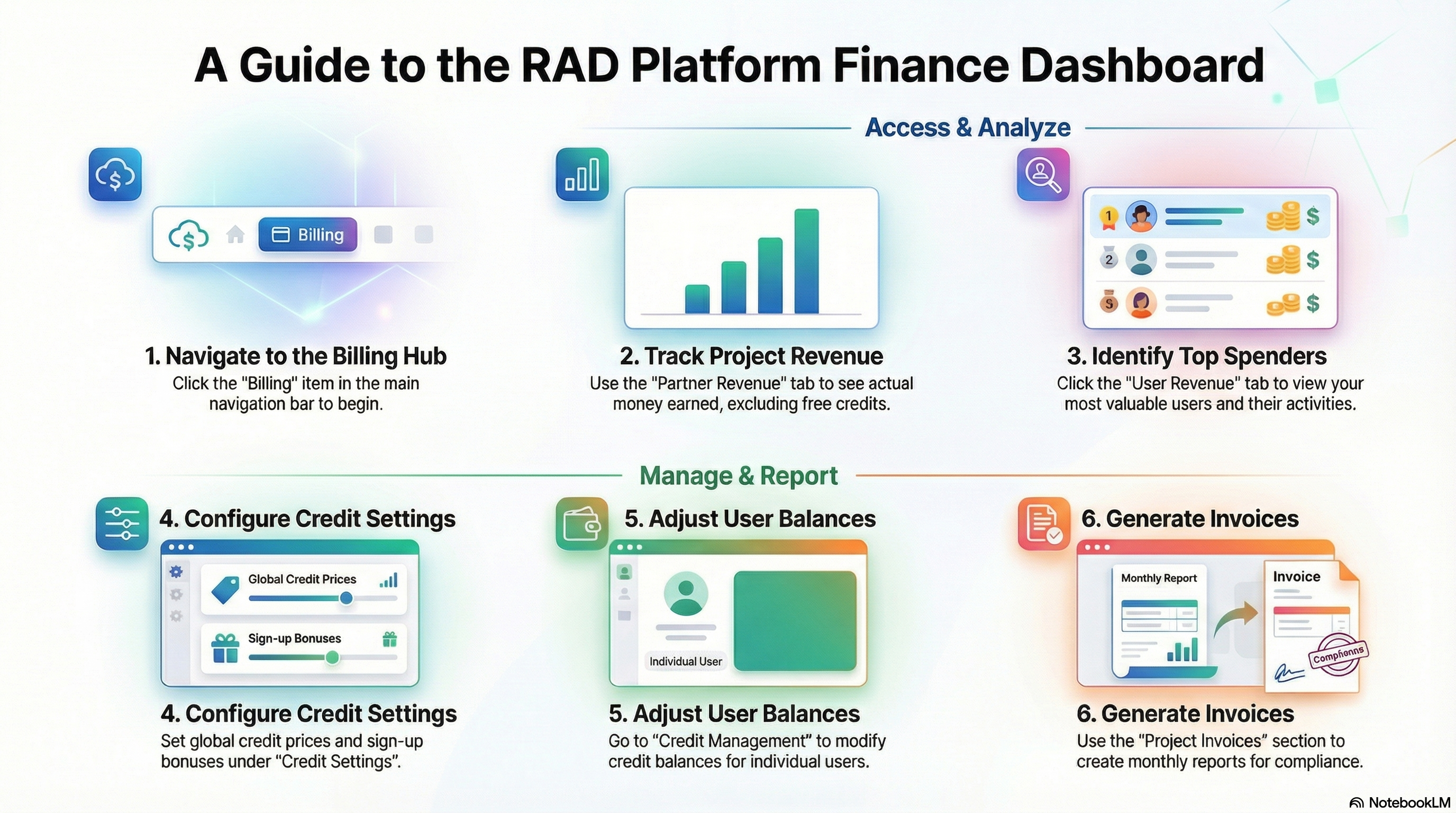
2. Step 1: Access Billing Dashboard
- Click Billing in the navigation bar.
- You will see several tabs including Subscription Tiers, Credit Settings, Project Costs, User Revenue, Partner Revenue, etc.
3. Step 2: Analyze Revenue
- Click the Partner Revenue tab (labeled Project Revenue in some views).
- True Revenue: This metric excludes free credits. It shows actual money earned from credit purchases consumed by deployments.
- Filter: Filter by date or specific project IDs.
- Click User Revenue.
- See which users are your top spenders.
- Drill down into specific user activities.
4. Step 3: Credit Management
- Click Credit Settings to adjust global rates (Price Per Credit, Sign-up Bonus).
- Click Credit Management (User Management) to adjust individual user balances.
5. Step 4: Invoices
- Click Project Invoices.
- Generate and view monthly invoices for compliance and reporting.